


See what the schema requires
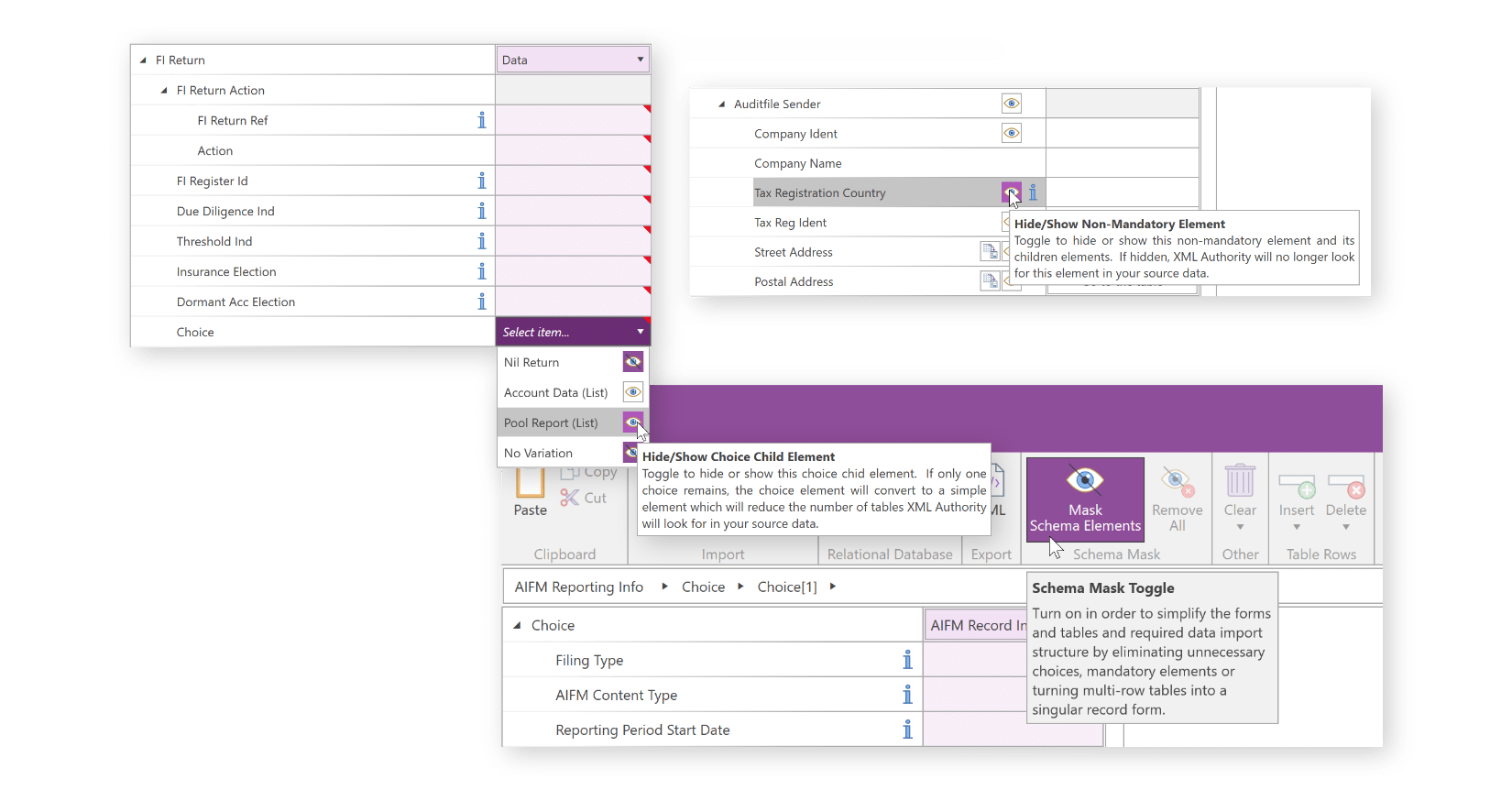
Work with annotated forms and tables, highlighted mandatory fields and guidance tooltips. Hide optional fields that are not relevant to your working template.
AnaCredit · XML Authority
For teams preparing AnaCredit XML files, XML Authority turns the selected reporting schema into forms and tables that can be populated, reviewed and reused.
Built around your reporting work
Prepare counterparty and credit data in the relevant template, with schema guidance and validation messages close to the data.
Try XML AuthorityChoose the schema for the receiving authority. National reporting formats and applicable template versions should be confirmed before preparation.
Build reusable templates and, with the appropriate edition, connect Excel or database preparation processes to the XML output.
Reporting catalogue
These entries reflect our reporting catalogue. Confirm the schema release, reporting period and edition you need with us. A listing does not establish current availability or direct submission.
Prepare · validate · generate
Work with annotated forms and tables, highlighted mandatory fields and guidance tooltips. Hide optional fields that are not relevant to your working template.
Populate your template and, with the appropriate edition, import from Excel or connect to relational databases. Reuse the template rather than starting from scratch.
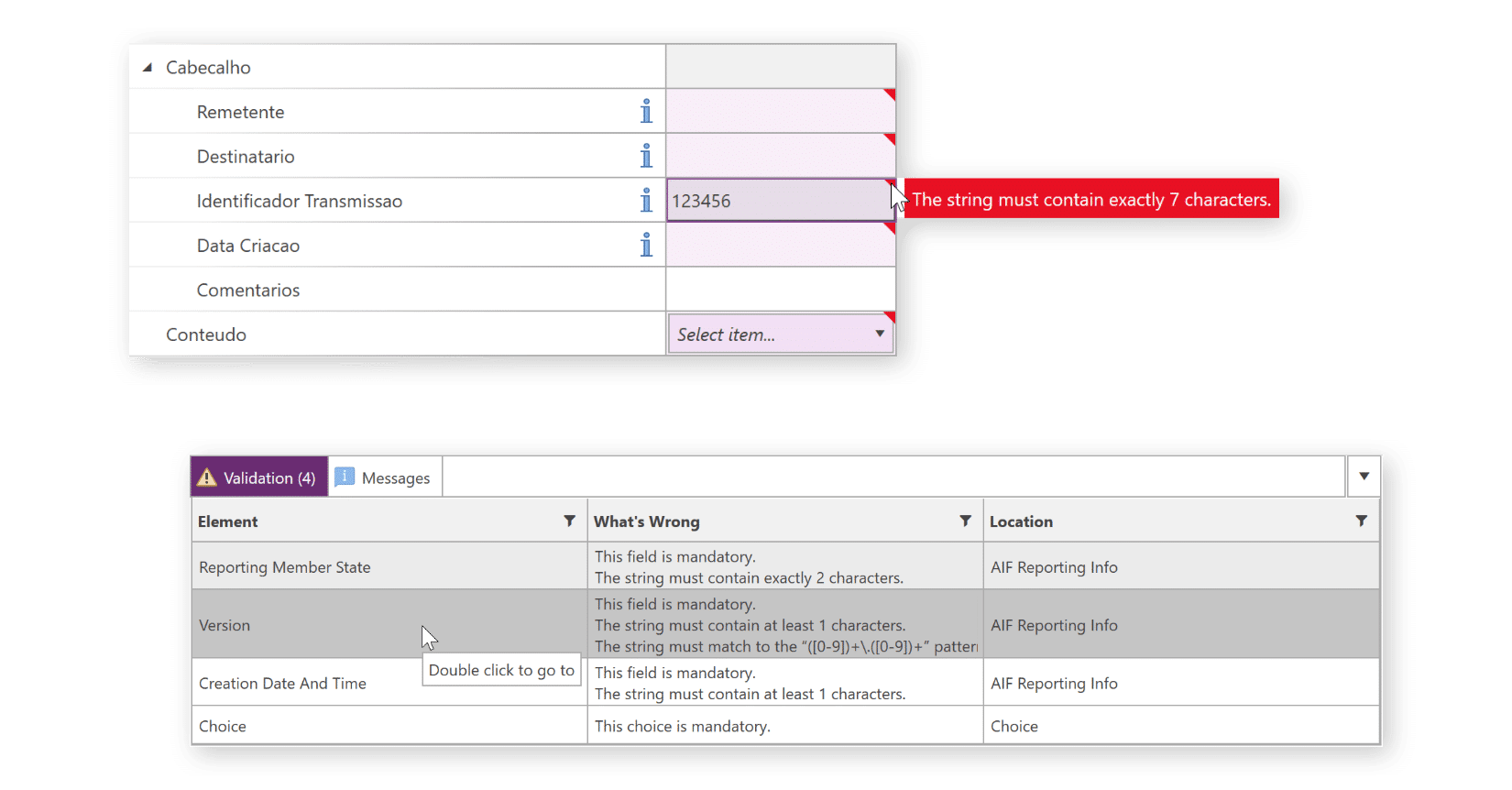
Validation messages help locate issues against the selected schema. Correct them and generate the XML file for your established submission process.
Clear responsibilities
XML Authority supports preparation and XML generation. Your team remains responsible for deciding what is reportable, reviewing the underlying data and completing the filing through the appropriate channel.
Confirm the schema and workflow you need in a demonstration before selecting your licence.
Discuss your reporting requirementsNo. Confirm your obligations and reporting judgments with your compliance team or advisers. XML Authority provides a schema-driven preparation and XML generation workflow.
Essential provides schema-based preparation and XML generation. Professional adds Excel and XML import. Enterprise adds relational database import. Tell us about your data sources, users and service-provider requirements so we can recommend the appropriate licence and provide a quote.
Yes. Templates support recurring preparation, but you should confirm the schema version and local requirements before reuse. Schema changes may require your template and data process to be updated.
No. Schema checks address the selected XML structure and data requirements. Authorities may apply additional validation and filing rules. Your team must complete the submission and review the response.