



Extensive regulatory coverage
Create XML reports based on regulators’ reporting schemas (XSD), across jurisdictions and mandates.

Convert Excel and SQL data into XML for 250+ regulatory reporting schemas.
TRUSTED BY REPORTING TEAMS WORKING ACROSS MULTIPLE JURISDICTIONS






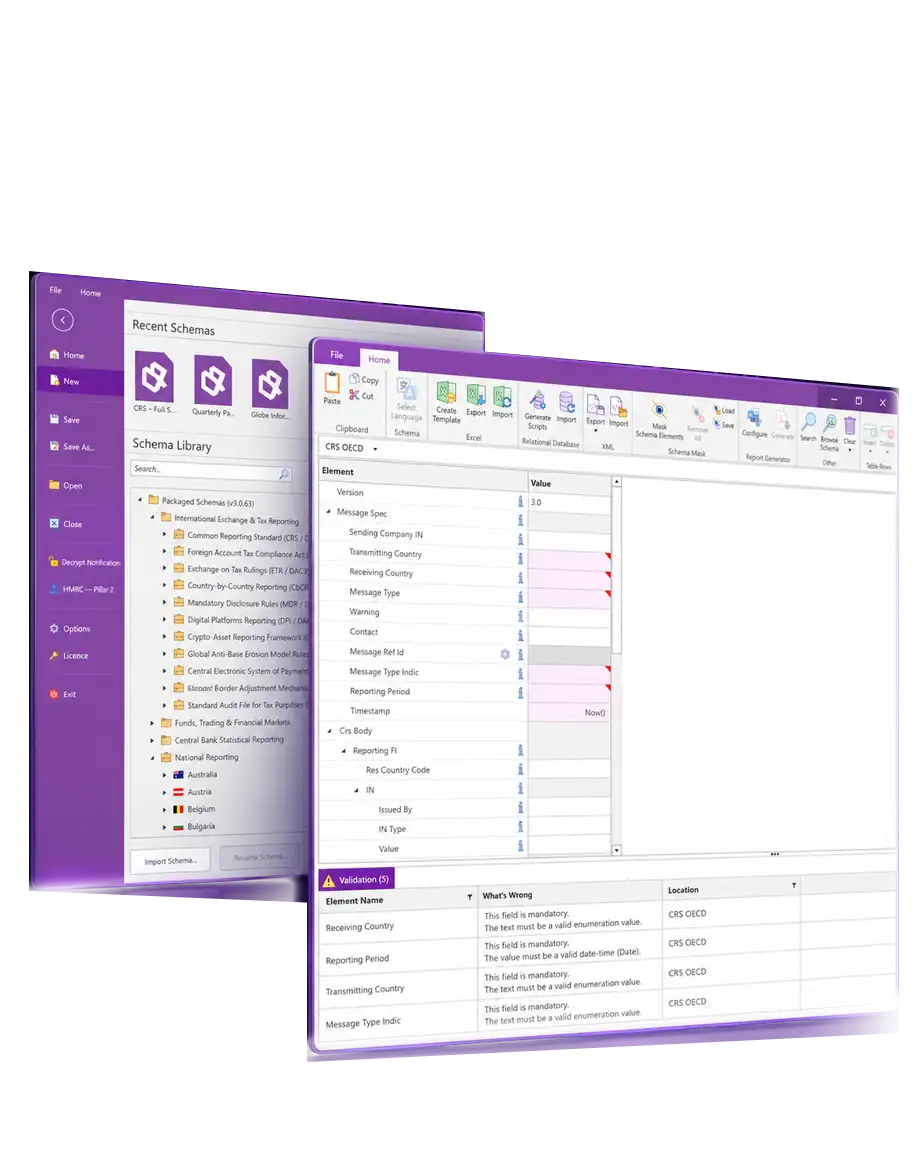
XML Authority presents reporting schemas as clear forms and tables, giving you a view of every data requirement before you generate your XML file.
Create XML reports based on regulators’ reporting schemas (XSD), across jurisdictions and mandates.
Turn complex schemas into intuitive forms and tables, with mandatory field indicators and supporting documentation built in.
Validate data as it’s entered and jump straight to any issue before you export your XML file.
Populate reports automatically from Microsoft Excel or relational databases, so your team can focus on review rather than rekeying data.
XML Authority is updated with the latest schemas, helping you keep pace with regulatory changes. Explore reporting requirements across tax, funds, financial markets and central banking.
Explore national examples recorded in our schema release history. Open a card to see the reporting requirements.
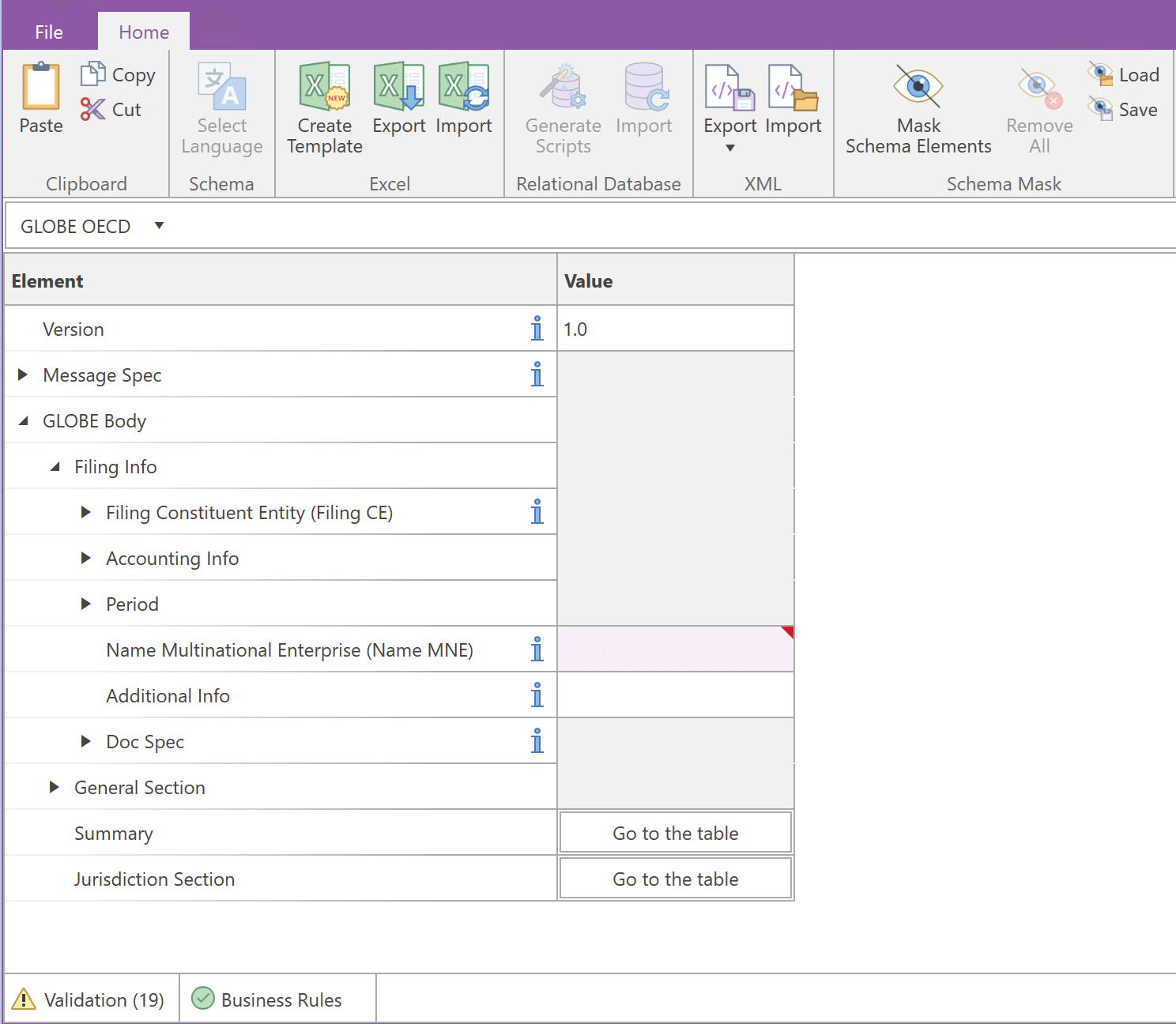
Prepare, validate and store your reports locally with XML Authority for Windows. Keep sensitive reporting data within your own IT environment.
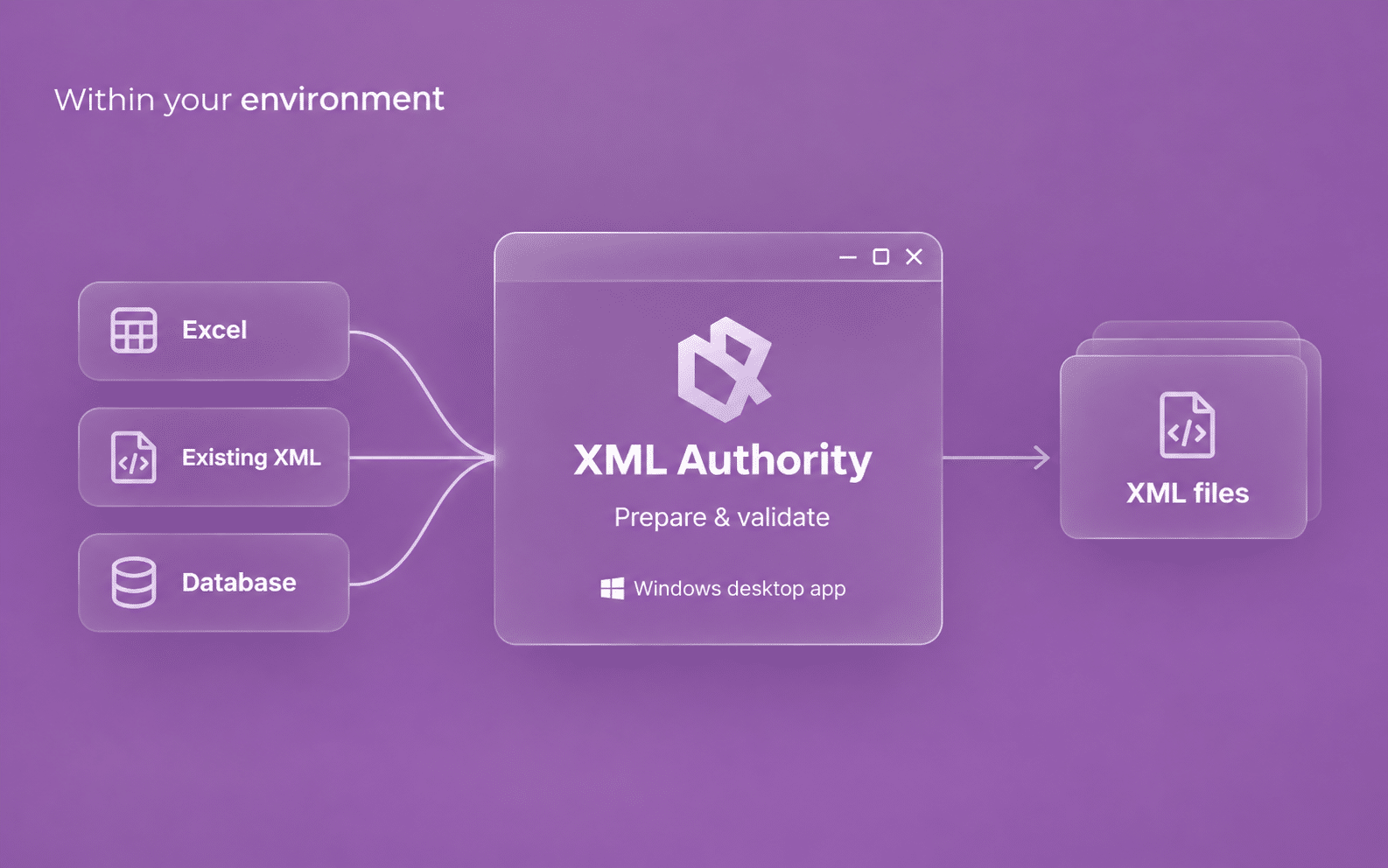
Enter data directly in forms and tables, or import it from Excel, XML, or a relational database.
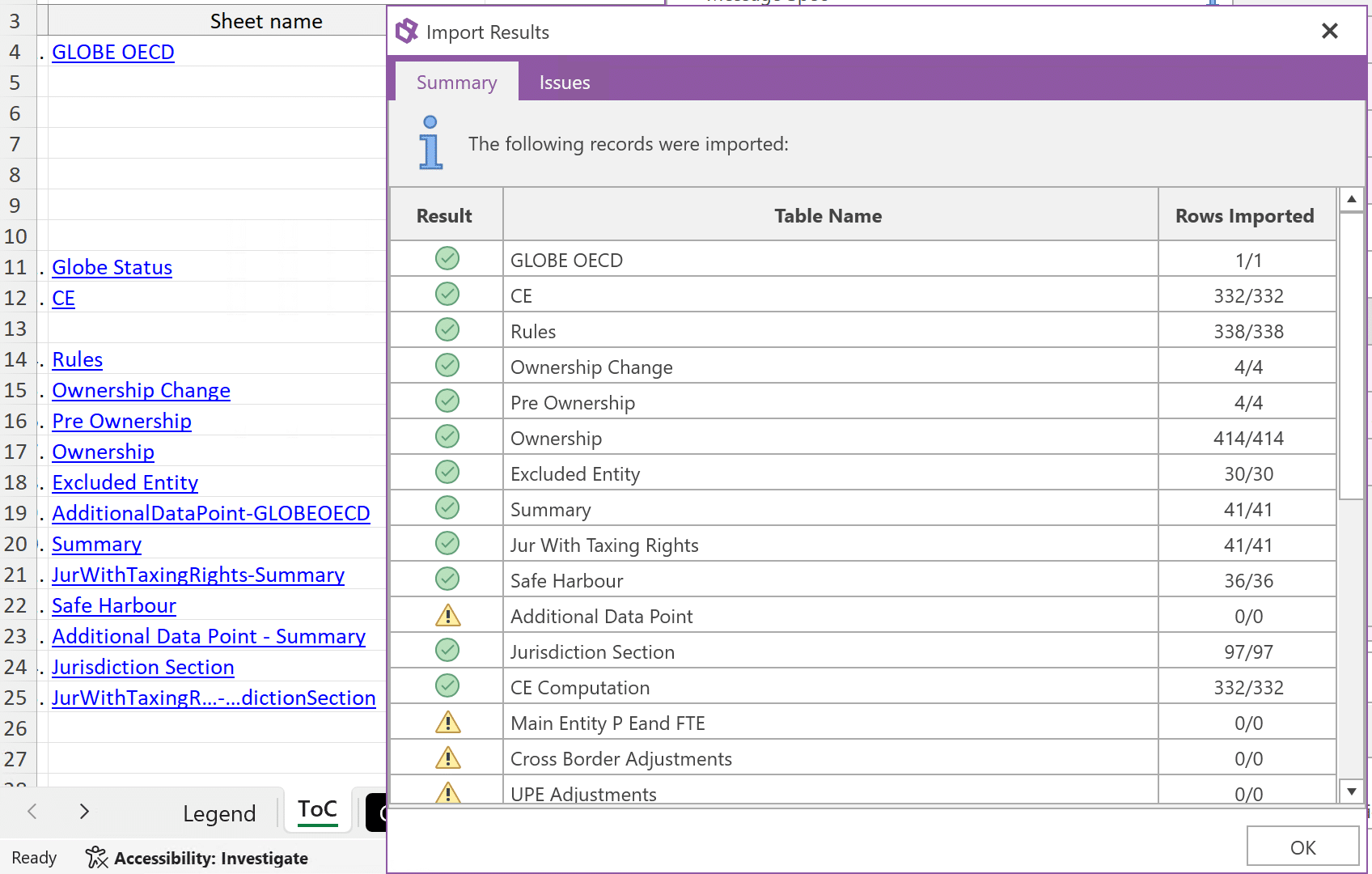
Check required fields, data types and formats as you enter data. Validation messages help you find the data that needs attention before you generate your XML file.
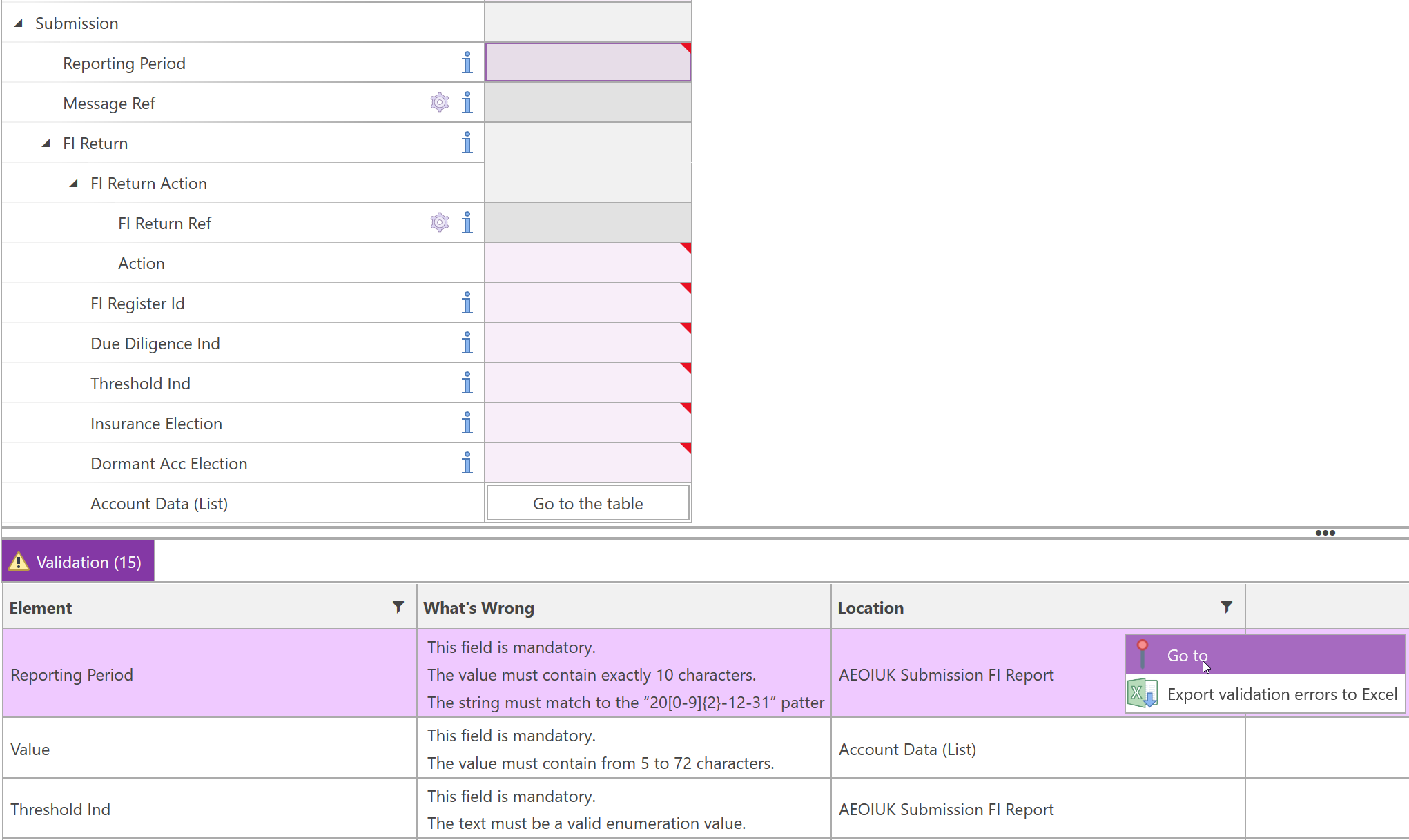
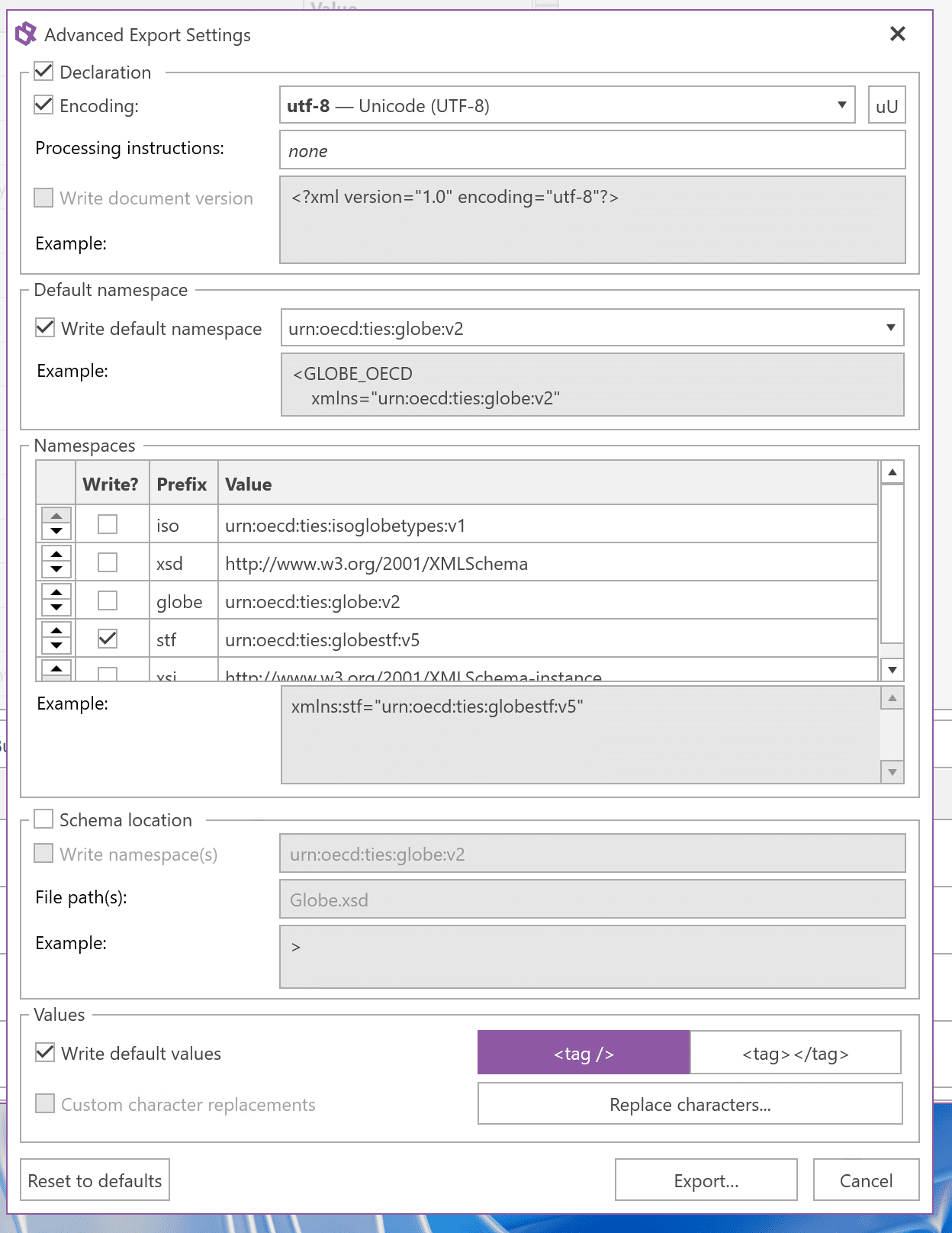
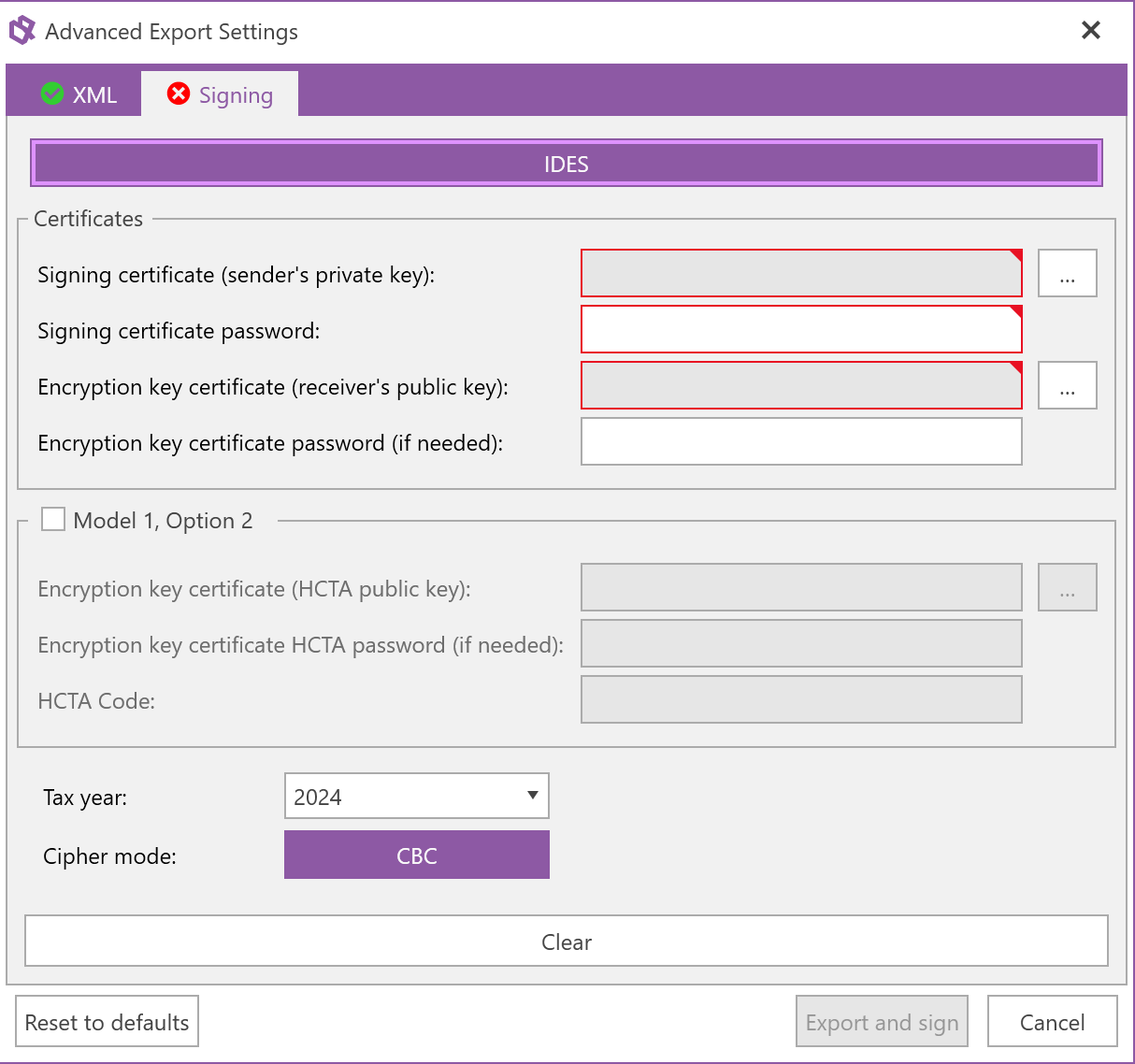
Export your report as XML, or use an available integration to transfer it directly for supported filing routes.
See how XML Authority fits your reporting.
Book a demoWhether you prepare reports yourself, work across a team or report for clients, we’ll help you choose the right edition and licensed options.
Business-rule checks for selected schemas, FATCA IDES signing, encryption and packaging, and supported online filing are separately licensed options. Service providers reporting for clients require Enterprise.
Answers to common questions about XML reporting, schema compatibility, data imports, validation and deployment.
XML Authority is Windows desktop software that turns XML schemas (XSDs) into forms and tables. Prepare, validate and generate regulatory XML reports without writing XML code.
No. Use forms and tables to enter data, review required fields and resolve validation issues without writing XML.
Yes. Professional and Enterprise can import Excel data into reporting templates, ready for validation and XML export.
Yes. Professional and Enterprise let you reuse data from previous XML filings. The data must match the schema selected for the new report.
Yes. Professional and Enterprise let you load compatible XML schemas (XSDs) that are not in the library. The software creates the reporting interface and validation checks from the schema.
XML Authority checks required fields, data types and formats as you work, and takes you straight to the fields that need attention. Additional business-rule checks are available for supported schemas, and we can add further checks on request.
Standards such as CRS and Country-by-Country Reporting each have a common core schema, with local differences such as identifiers and file names. Our library includes country-specific implementations. Tell us your jurisdiction and reporting requirement so we can confirm the right schema and version.
XML Authority can sign, encrypt and package FATCA XML for transmission through IDES. Filing integrations can submit specified Austrian returns through FinanzOnline and supported HMRC Pillar 2 returns.
XML Authority is a Windows desktop application. You can prepare, validate and store reports locally on an offline computer. Offline activation uses an internet-connected browser on another device; optional online filing requires connectivity.